
The first step to starting a Driving course system is to establish the details of your firm
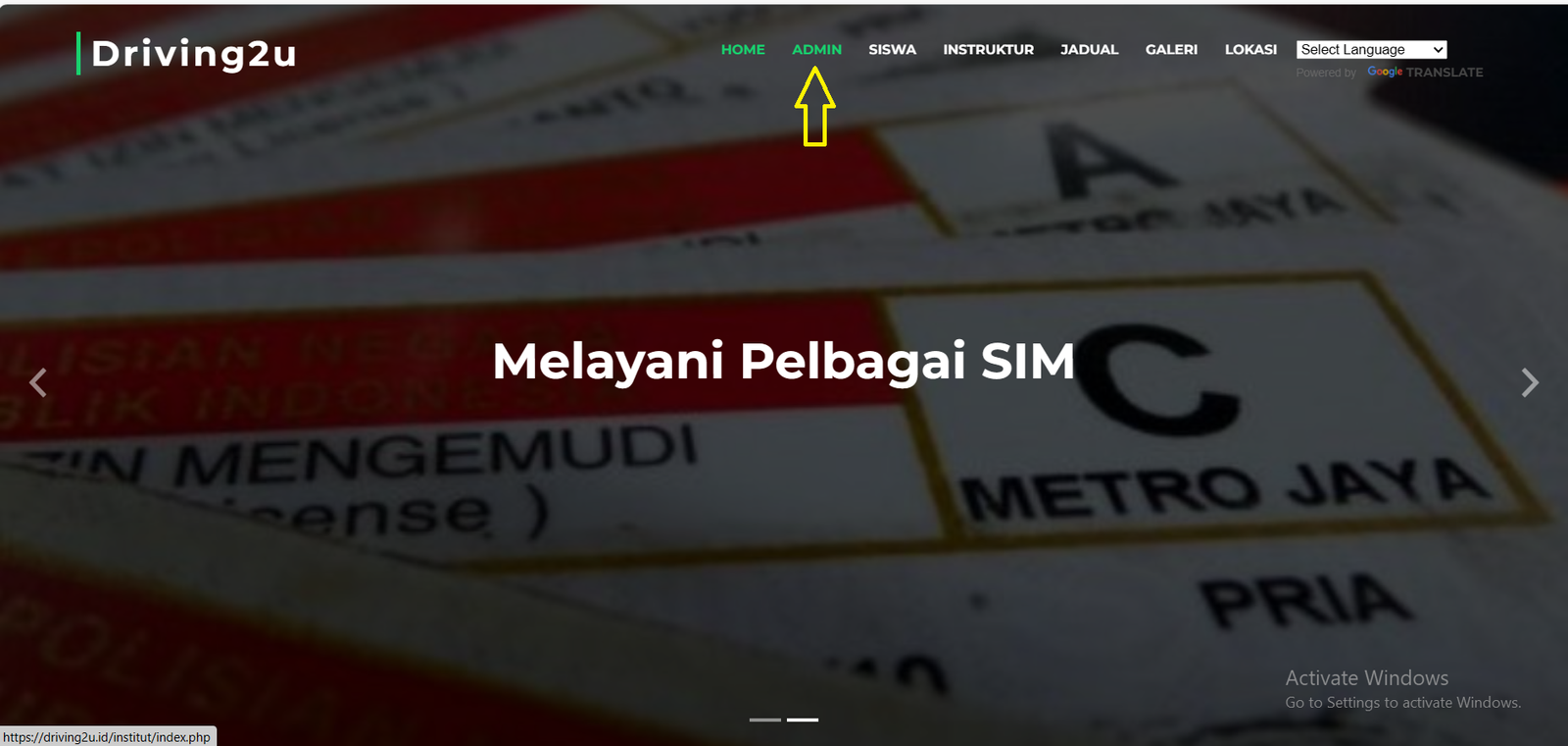
Enter your Web Address in the Internet Browser.
Click Admin in the Top Web Menu
Enter your Web Address in the Internet Browser.
Click Admin in the Top Web Menu
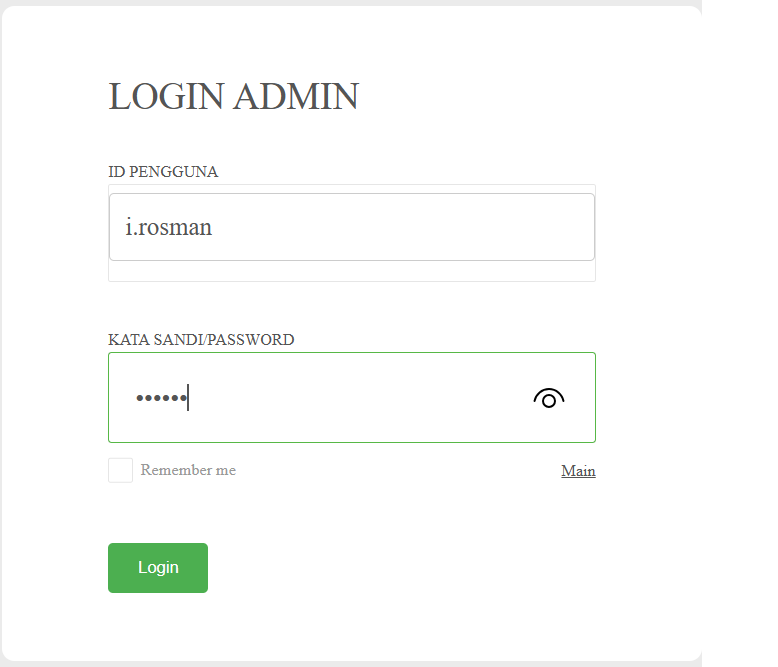
Enter Id and Password provided by Us

Pengaturan
Click the Pengaturan Button in the System Menu
Click the Pengaturan Button in the System Menu

Firma
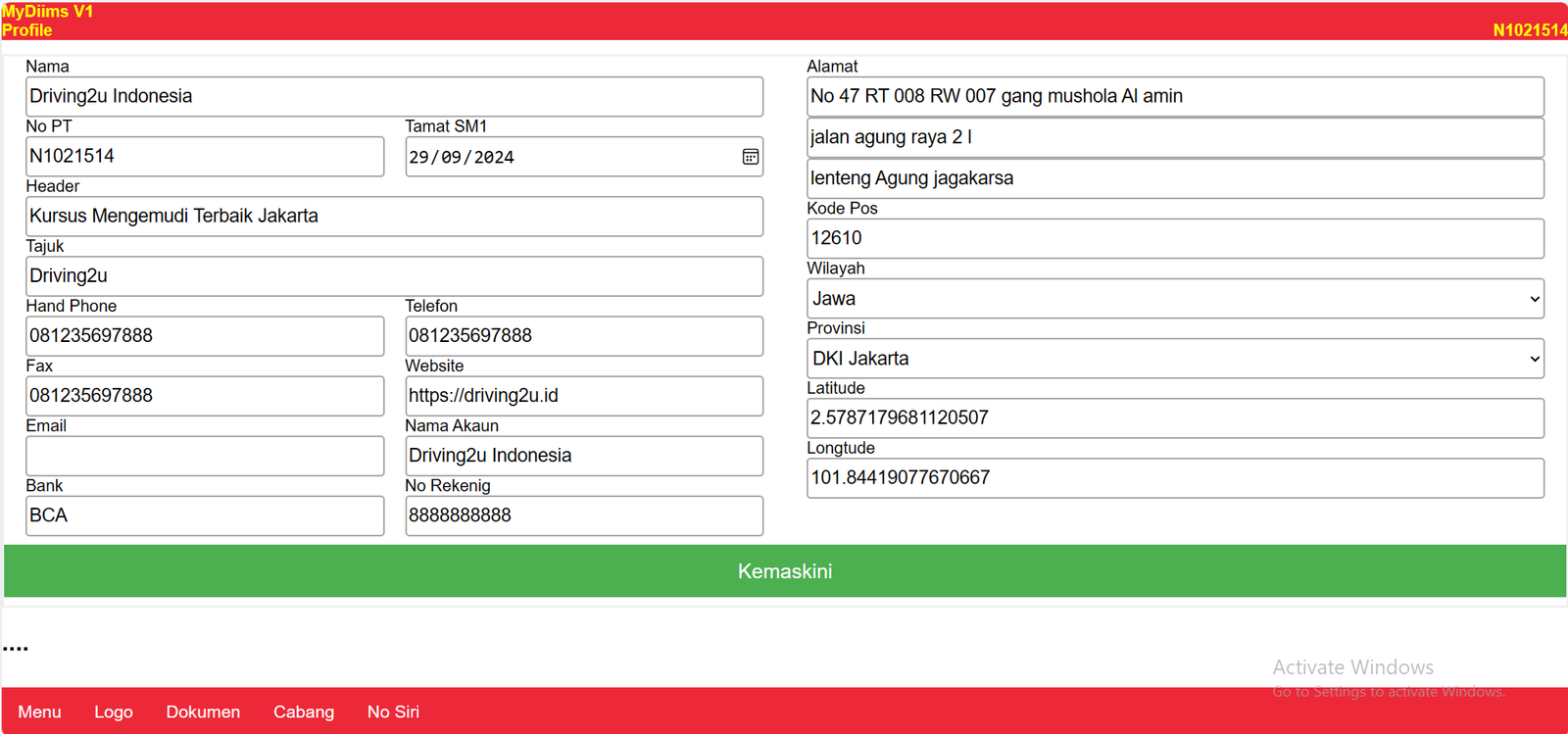
Click the Firma Button in the Settings Menu sub
Click the Firma Button in the Settings Menu sub
Fill in the Company Information in the fields provided and Click Save Upon Completion
Logo
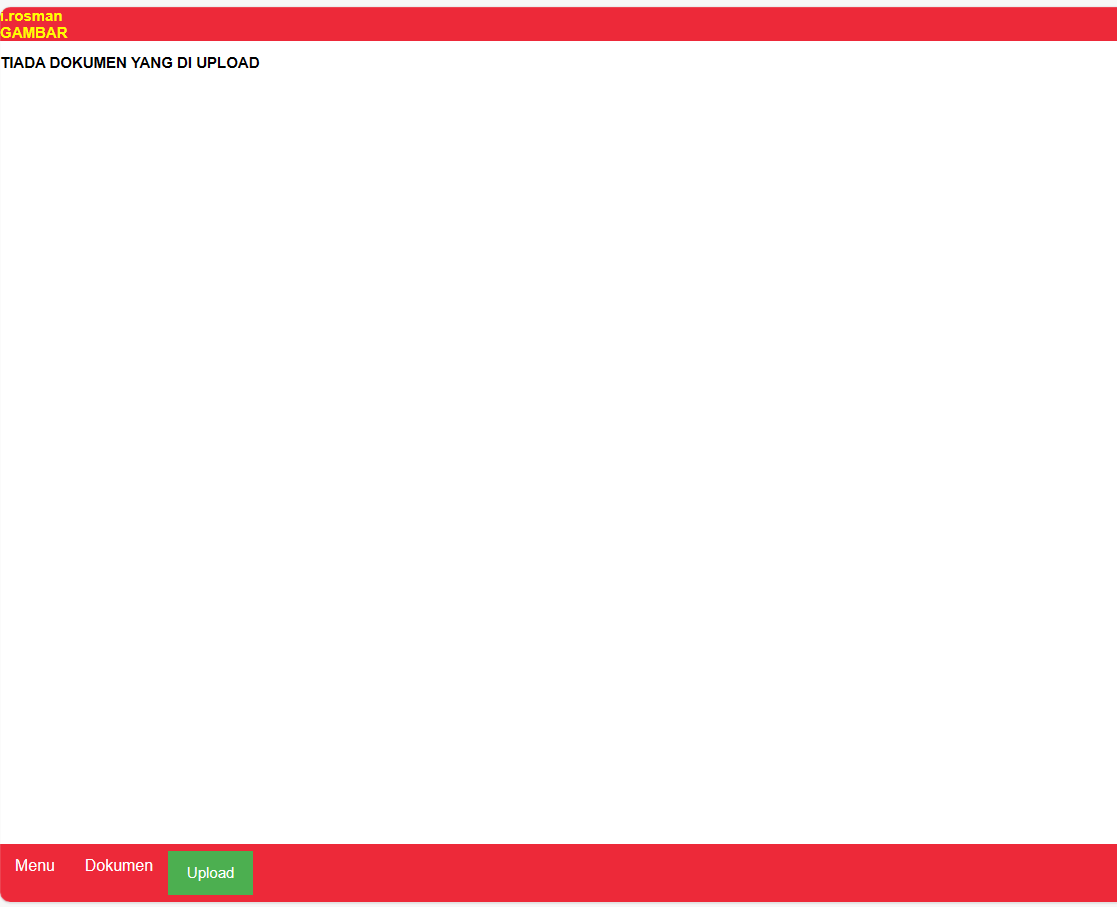
Click the Logo Button in the Bottom Menu to upload Your Company logo
Click the Logo Button in the Bottom Menu to upload Your Company logo
Upload
Click Upload in the System Down Menu.
Click Choose File to select a logo file.
Click Upload To Upload Logo
Click Upload in the System Down Menu.
Click Choose File to select a logo file.
Click Upload To Upload Logo
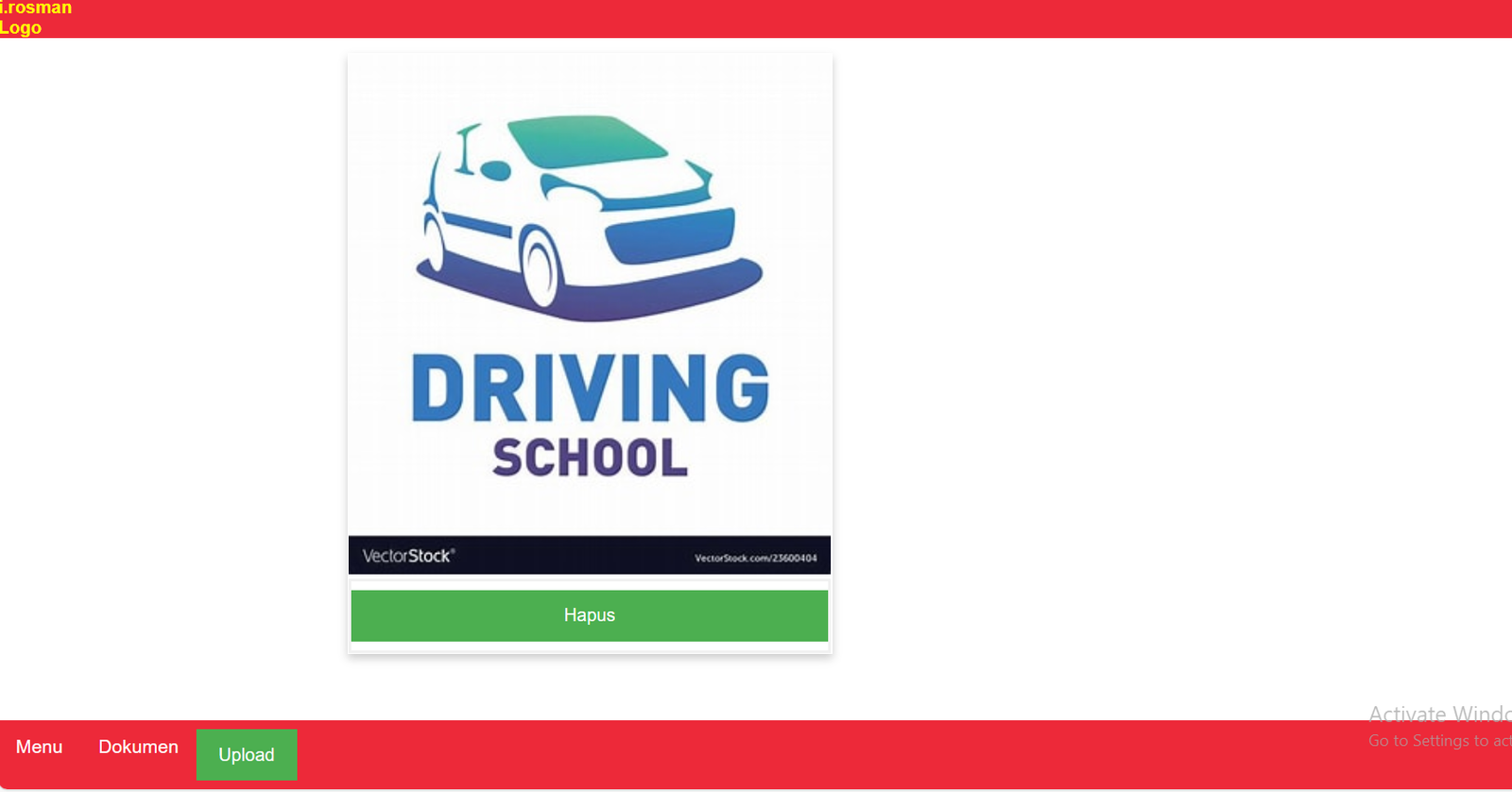
Logo image will be displayed in the Logo Menu
Cabang
Click Cabang to record a list of branches
Click Cabang to record a list of branches
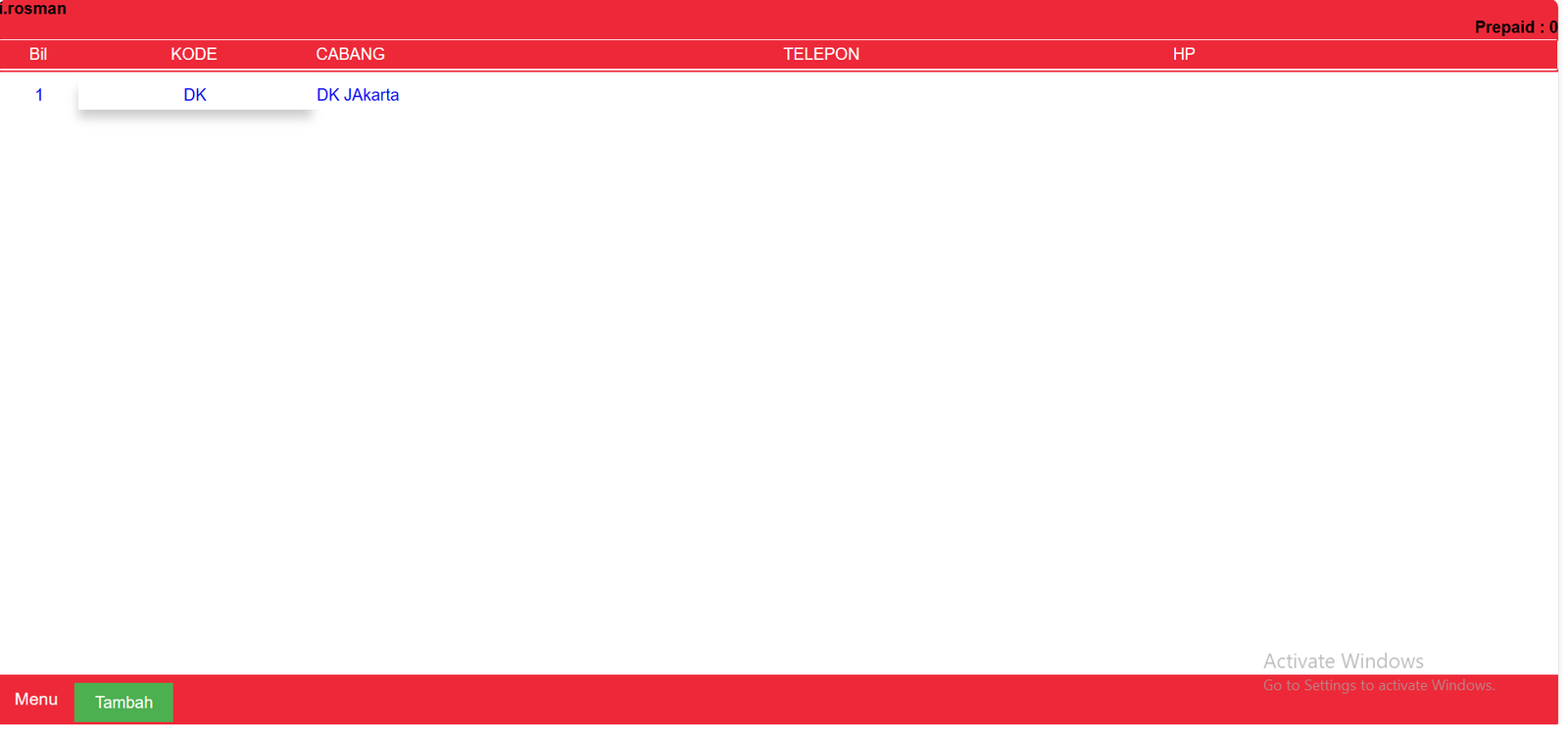
Tambah
Click Tambah to add a branch record
Click Tambah to add a branch record

Fill In Branch Information
Kod
Detail
Click On Branch Code to open more branch information
Kod
Detail
Click On Branch Code to open more branch information
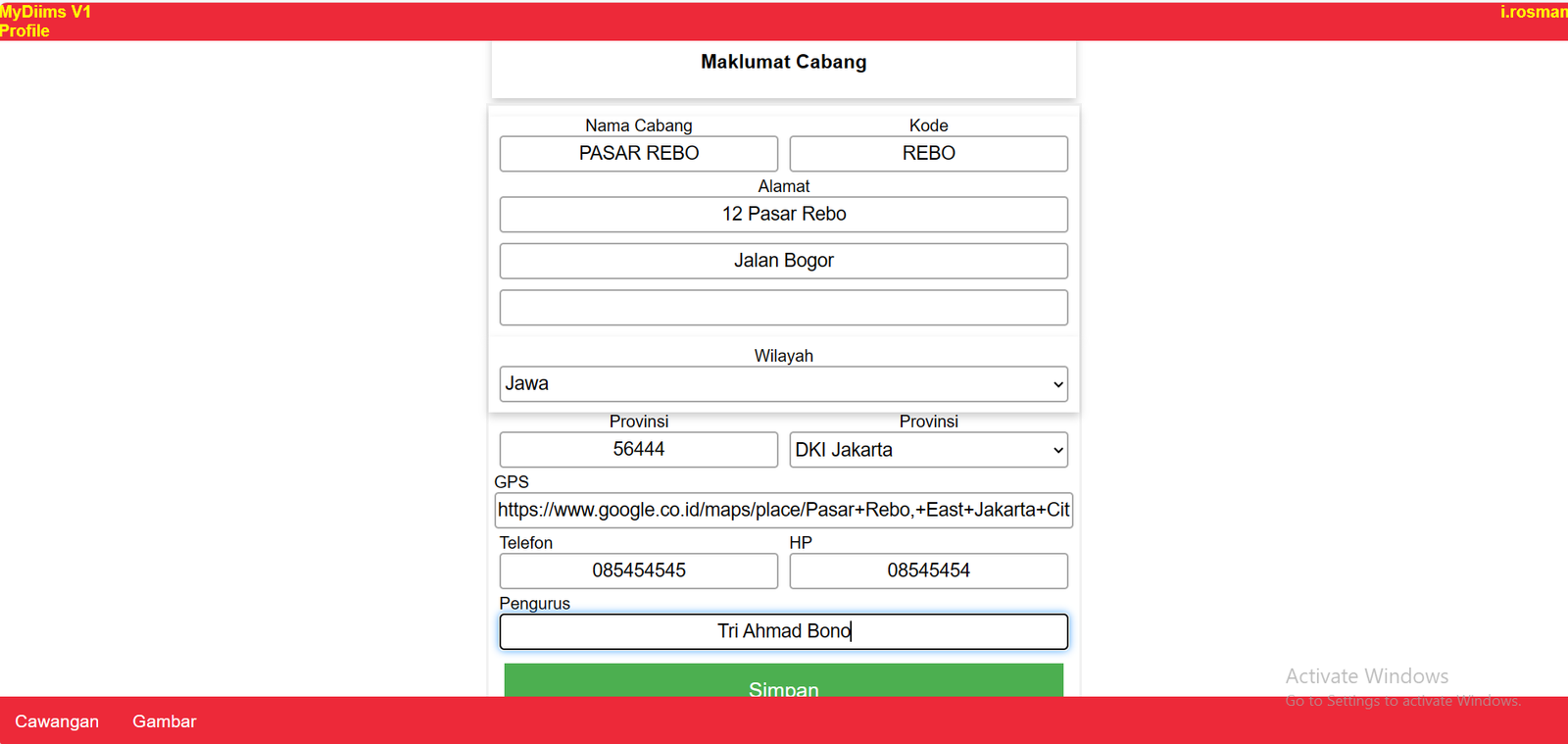
Fill in Branch Information such as Address, HP Number an GPS Address (can be found using the Google Map app)