Sebelum Jadwal Instruktur dapat digunakan, Anda harus mendaftarkan Daftar Instruktur ke dalam sistem ...

Pengaturan
Click the Pengaturan Button in the System Main Menu
Click the Pengaturan Button in the System Main Menu

Karyawan
Click Karyawan Button at Settings Menu
Click Karyawan Button at Settings Menu
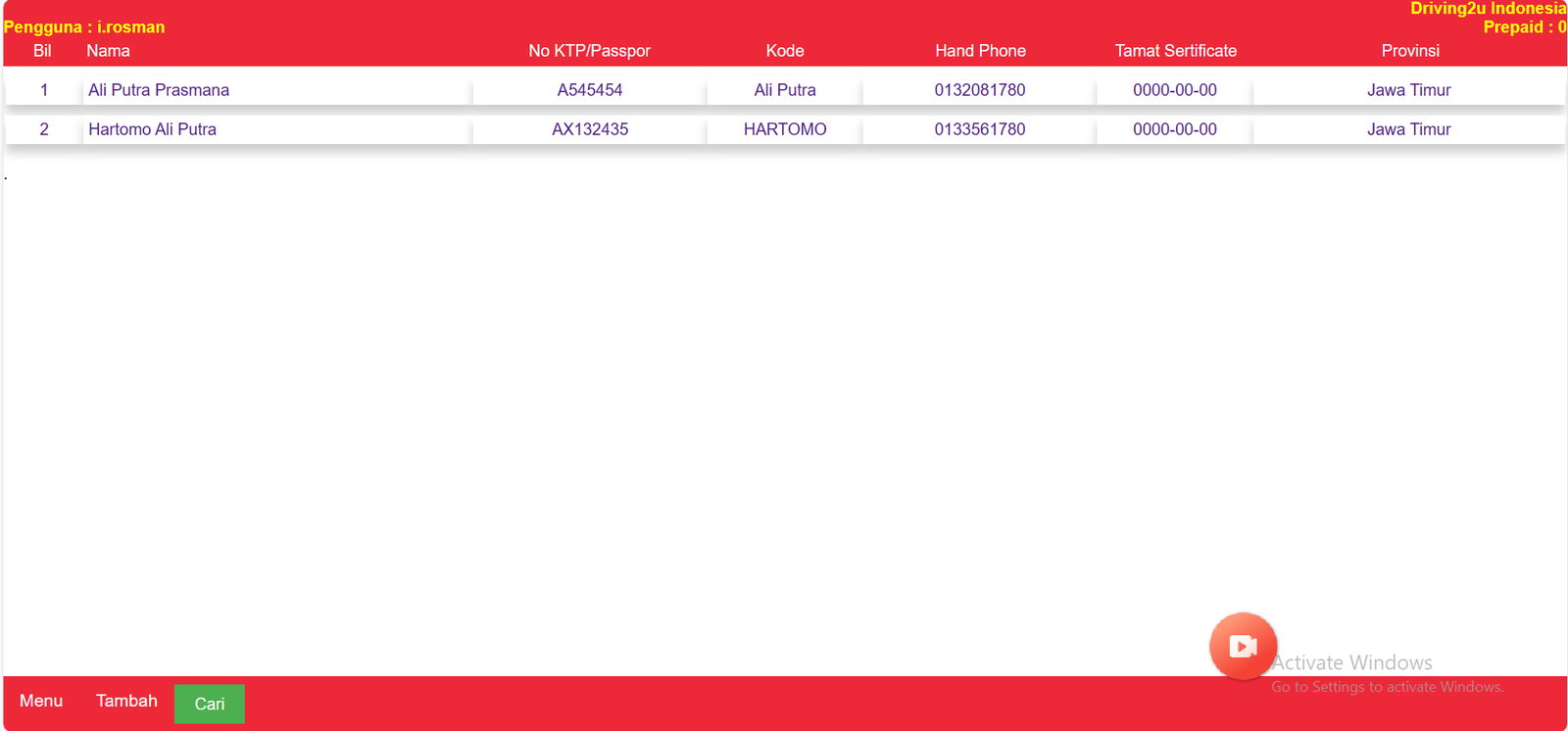
List of Workers will be exposed
Tambah
Klik Tombol Tambah di bawah untuk menambah catatan Instruktur
Klik Tombol Tambah di bawah untuk menambah catatan Instruktur
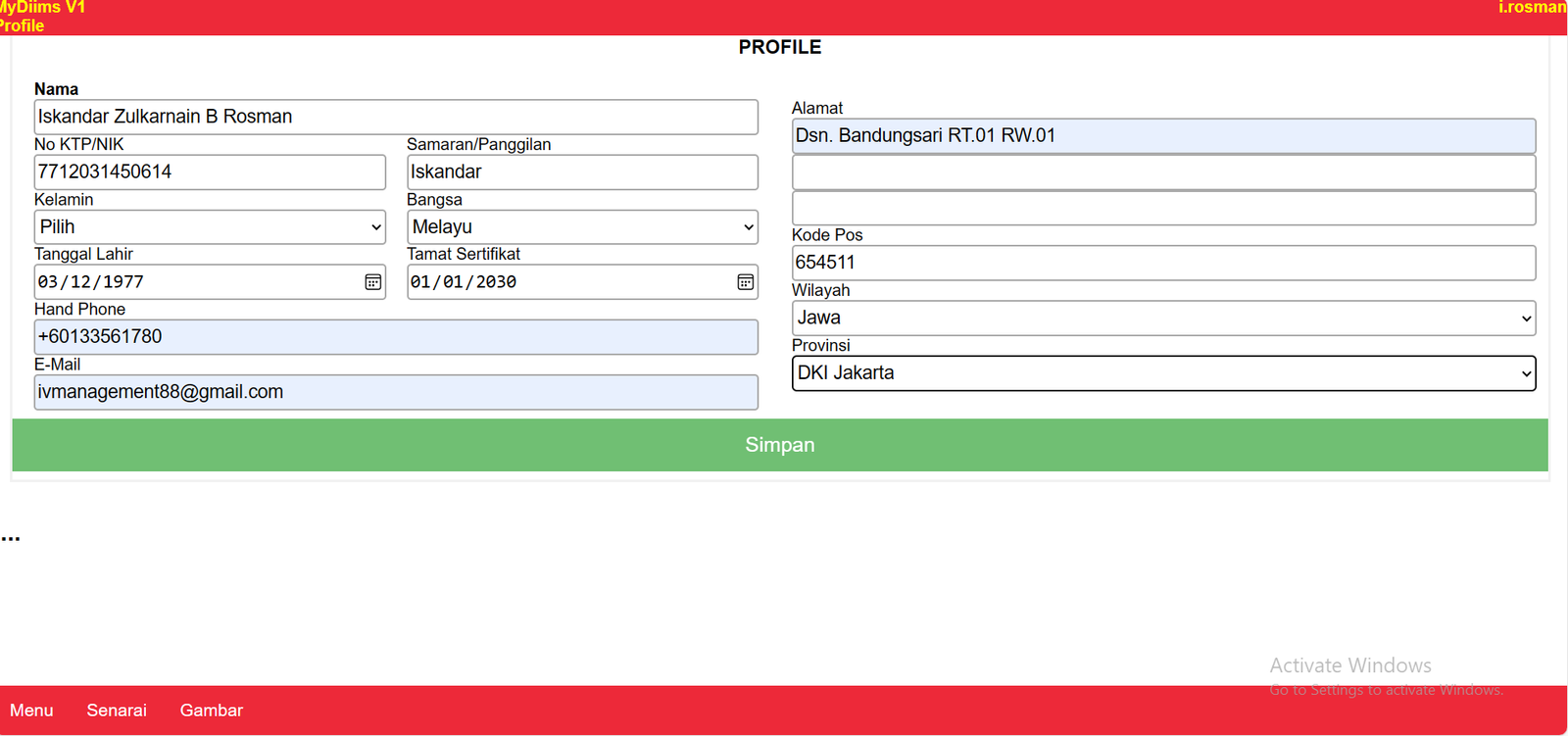
Please Complete Employee Information in the employee registration form
Click Save After Record Finish at body
Click Save After Record Finish at body
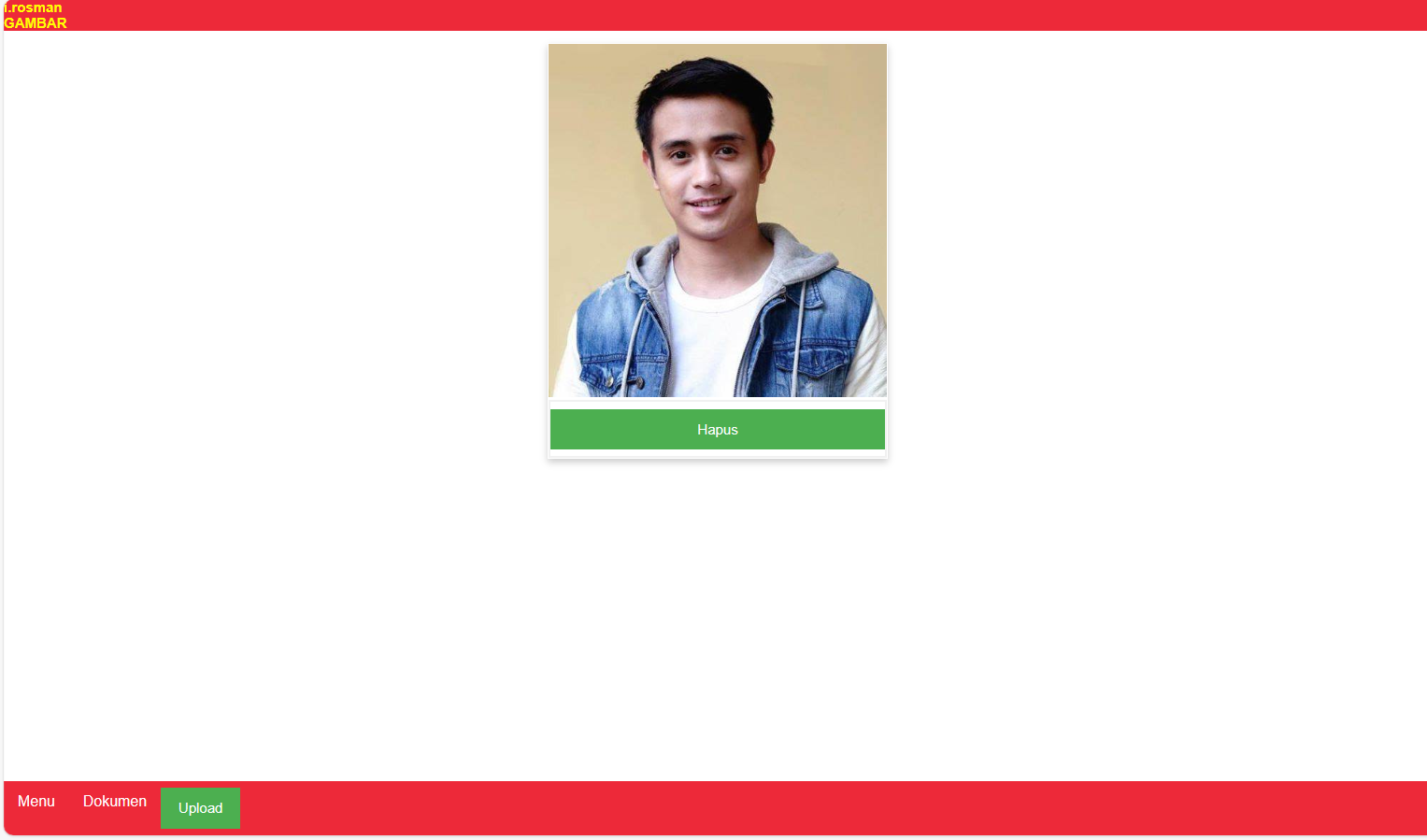
Click Gambar
Once the employee's record is successfully saved, please click the picture to upload the employee's picture
Once the employee's record is successfully saved, please click the picture to upload the employee's picture
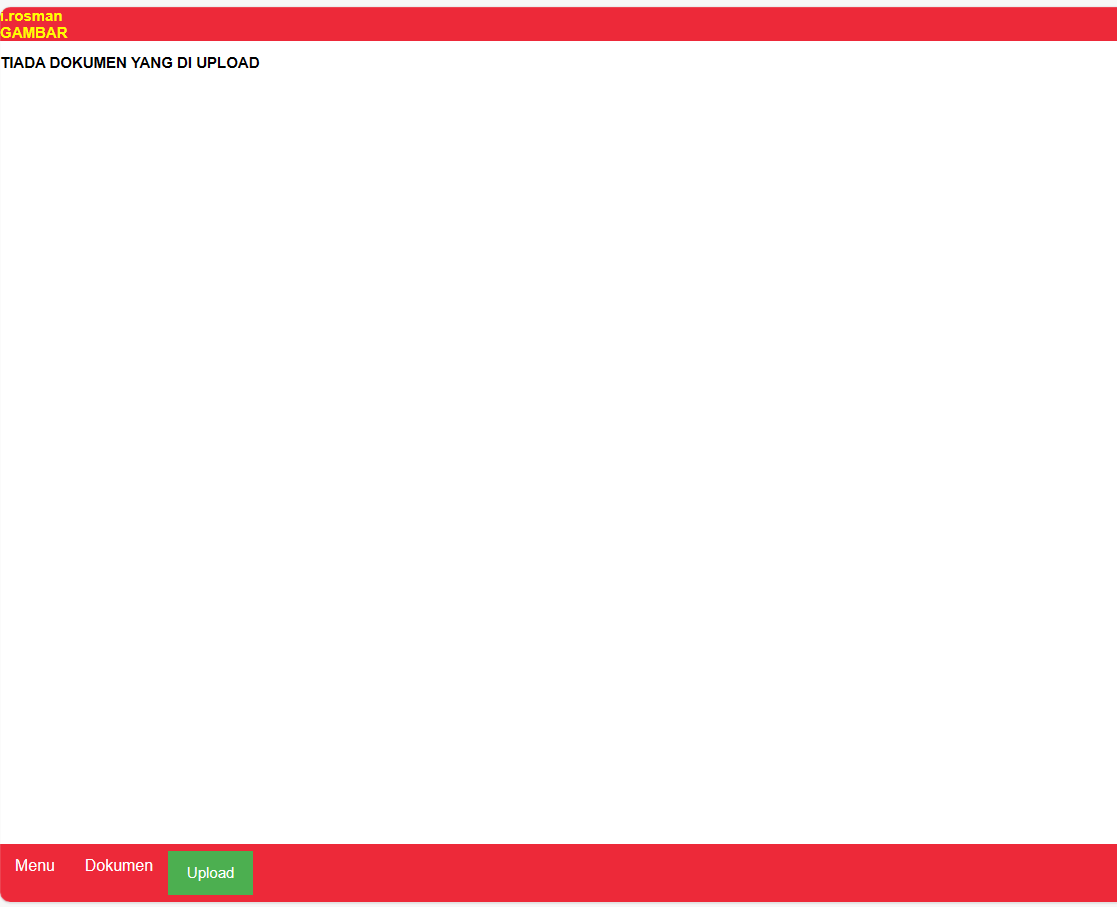
Upload
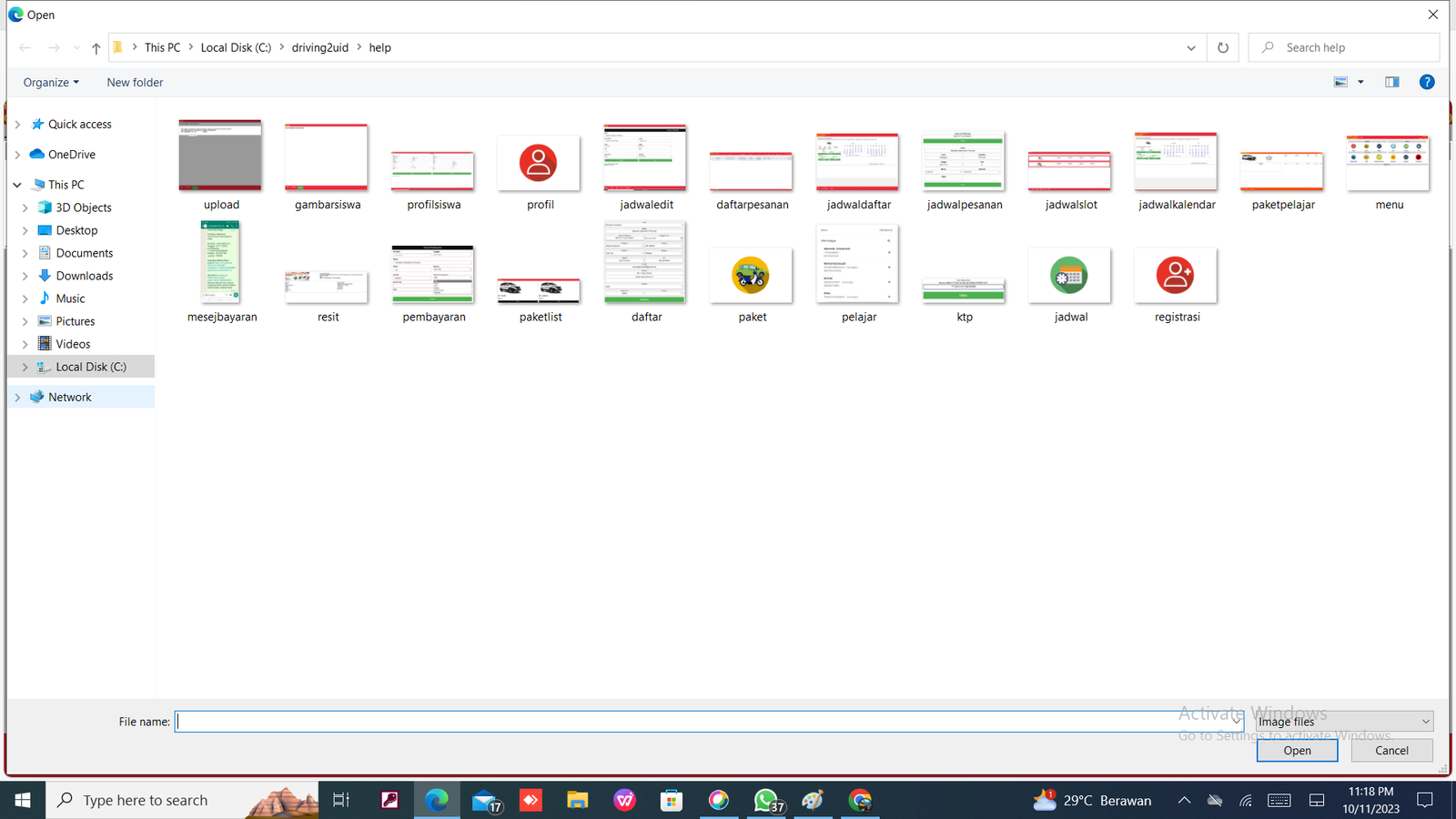
Please click upload to upload the employee's picture.
Please Click Choose File to select Picture and Click Upload After Select Picture
Please click upload to upload the employee's picture.
Please Click Choose File to select Picture and Click Upload After Select Picture